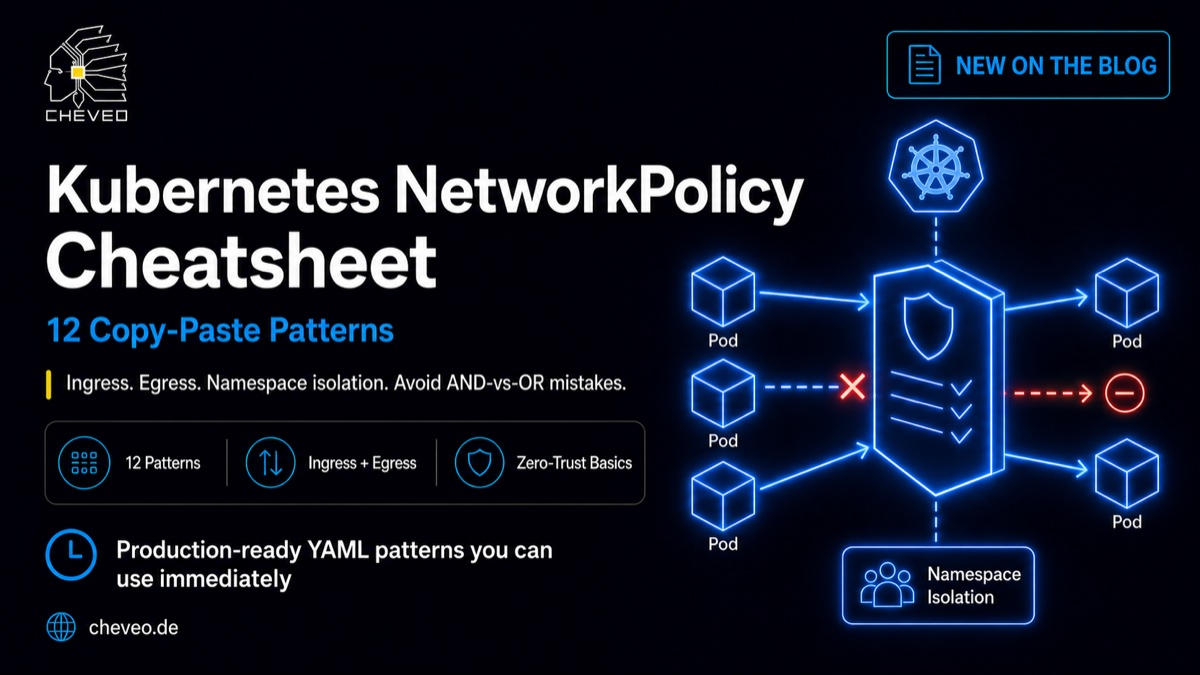
Kubernetes NetworkPolicy Cheatsheet: 12 Copy-Paste Patterns
NetworkPolicies are powerful but confusing. 12 production-ready YAML patterns for ingress, egress, namespace isolation and monitoring. Including the AND-vs-OR trap.

TL;DR - NetworkPolicies are Kubernetes-native firewall rules at pod level. Without them all traffic is allowed. 12 copy-paste patterns cover 90% of production cases: from deny-all defaults to Prometheus scraping and DNS egress. The biggest trap is the AND-vs-OR semantics on selectors.
🔖 Just want the YAMLs? Here’s the interactive NetworkPolicy cheatsheet - with a copy button per pattern and common mistakes. Bookmark recommended.
How NetworkPolicies work
The mental model in three sentences:
- Without a policy, everything is allowed. Any pod can talk to any pod in any namespace. That’s the Kubernetes default.
- Once a policy matches a pod, everything not explicitly allowed is blocked. A
podSelector: {}matches all pods in the namespace. - Policies are additive. Multiple policies on the same pod never contradict, they combine their allows.
Important: NetworkPolicies need a CNI plugin that enforces them. Cilium, Calico and Weave Net do. Many others — including the defaults of the major managed K8s providers — silently ignore policies. That’s the sneakiest trap: kubectl apply accepts the policy without error, you test on the cluster, everything still works, and you think “policy is active”. In reality nothing is enforced.
Which CNI plugins ignore NetworkPolicies?
| CNI plugin | Context | Behavior |
|---|---|---|
| Flannel | Widely used, simple overlay | Ignores policies completely. No warning. |
| kubenet | Kubernetes basic CNI | No policy support. |
| kindnet | Default in kind (local dev clusters) | Policies are accepted but never enforced. |
| AWS VPC CNI | Default in EKS | Ignores policies until the Network Policy Controller is explicitly enabled (v1.14+). |
| Azure CNI | Default in AKS | Requires explicit activation of Azure Network Policy Manager or Calico. |
| GKE Default | Google Kubernetes Engine | Enforcement must be enabled at cluster creation (Dataplane V2 / Calico). |
These plugins enforce NetworkPolicies: Cilium, Calico, Weave Net, Antrea.
The risk with managed K8s (EKS, AKS, GKE): teams assume “everything works” — but policy enforcement is an opt-in feature. Always verify that your CNI actually enforces policies:
# Check CNI
kubectl get pods -n kube-system -l k8s-app=cilium
kubectl get pods -n kube-system -l k8s-app=calico-node
# EKS: check Network Policy Controller
kubectl get daemonset -n kube-system aws-node
kubectl describe daemonset aws-node -n kube-system | grep ENABLE_NETWORK_POLICY
The AND-vs-OR trap
The most common NetworkPolicy confusion. Two selectors in a from: block behave differently depending on formatting:
OR (two separate list items):
ingress:
  - from:
      - namespaceSelector:          # list item 1
          matchLabels:
            name: monitoring
      - podSelector:                # list item 2
          matchLabels:
            app: prometheus
Means: traffic from all pods in namespace “monitoring” OR from all pods with label app=prometheus in the own namespace. Much more open than intended.
AND (one single list item):
ingress:
  - from:
      - namespaceSelector:          # part of list item 1
          matchLabels:
            name: monitoring
        podSelector:                # also part of list item 1
          matchLabels:
            app: prometheus
Means: traffic only from pods with label app=prometheus that are in namespace “monitoring”. That’s usually what you want.
The difference is two characters in the YAML: the dash before podSelector. With dash: OR. Without: AND.
The 12 patterns
Deny defaults (the foundation)
Every zero-trust approach starts with a deny-all. Block everything first, then explicitly allow.
Pattern 1: Deny all ingress
apiVersion: networking.k8s.io/v1
kind: NetworkPolicy
metadata:
  name: deny-all-ingress
  namespace: <ns>
spec:
  podSelector: {}
  policyTypes:
    - Ingress
Blocks all incoming traffic to all pods in the namespace. No ingress: block = no exceptions.
Pattern 2: Deny all egress
apiVersion: networking.k8s.io/v1
kind: NetworkPolicy
metadata:
  name: deny-all-egress
  namespace: <ns>
spec:
  podSelector: {}
  policyTypes:
    - Egress
Blocks all outgoing traffic. Caution: DNS is also blocked. Pods can’t resolve service names. Always combine with pattern 10 (DNS egress).
Pattern 3: Deny all (both)
apiVersion: networking.k8s.io/v1
kind: NetworkPolicy
metadata:
  name: deny-all
  namespace: <ns>
spec:
  podSelector: {}
  policyTypes:
    - Ingress
    - Egress
Complete isolation. Namespace is silent. Open patterns one by one from here.
Namespace and pod access
Pattern 4: Allow from same namespace
apiVersion: networking.k8s.io/v1
kind: NetworkPolicy
metadata:
  name: allow-same-namespace
  namespace: <ns>
spec:
  podSelector: {}
  ingress:
    - from:
        - podSelector: {}
  policyTypes:
    - Ingress
All pods in the namespace can reach each other, but nothing from outside. The most common pattern for internal microservices.
Pattern 5: Allow from specific namespace
apiVersion: networking.k8s.io/v1
kind: NetworkPolicy
metadata:
  name: allow-from-namespace
  namespace: <ns>
spec:
  podSelector: {}
  ingress:
    - from:
        - namespaceSelector:
            matchLabels:
              name: backend
  policyTypes:
    - Ingress
Allows traffic from a specific namespace (here: backend). Prerequisite: the source namespace must have a matching label (kubectl label namespace backend name=backend).
Pattern 6: Allow specific port only
apiVersion: networking.k8s.io/v1
kind: NetworkPolicy
metadata:
  name: allow-http-only
  namespace: <ns>
spec:
  podSelector:
    matchLabels:
      app: web
  ingress:
    - ports:
        - port: 8080
          protocol: TCP
      from:
        - podSelector: {}
  policyTypes:
    - Ingress
Only port 8080/TCP, only from the own namespace. Everything else blocked.
Kubernetes Debugging - systematic, not guesswork
Replay real production incidents, internalise kubectl workflows, find root causes in minutes.
View workshop detailsInfrastructure access
Pattern 7: Allow from ingress controller
apiVersion: networking.k8s.io/v1
kind: NetworkPolicy
metadata:
  name: allow-from-ingress
  namespace: <ns>
spec:
  podSelector:
    matchLabels:
      app: web
  ingress:
    - from:
        - namespaceSelector:
            matchLabels:
              name: ingress-nginx
  policyTypes:
    - Ingress
Allows inbound traffic from the ingress controller namespace. Without this pattern your app is unreachable from outside, even if the Ingress is correctly configured. Common labels: ingress-nginx, traefik, istio-ingress.
Pattern 8: Allow Prometheus scraping (AND variant)
apiVersion: networking.k8s.io/v1
kind: NetworkPolicy
metadata:
  name: allow-prometheus
  namespace: <ns>
spec:
  podSelector: {}
  ingress:
    - from:
        - namespaceSelector:
            matchLabels:
              name: monitoring
          podSelector:
            matchLabels:
              app.kubernetes.io/name: prometheus
      ports:
        - port: 9090
          protocol: TCP
  policyTypes:
    - Ingress
AND variant: only Prometheus (label app.kubernetes.io/name: prometheus) from the monitoring namespace. Adjust the port to your app’s metrics port.
Pattern 9: Allow from specific pod (database access)
apiVersion: networking.k8s.io/v1
kind: NetworkPolicy
metadata:
  name: allow-backend-to-db
  namespace: <ns>
spec:
  podSelector:
    matchLabels:
      app: database
  ingress:
    - from:
        - podSelector:
            matchLabels:
              app: backend
      ports:
        - port: 5432
          protocol: TCP
  policyTypes:
    - Ingress
Only the backend pod may access the database, only on port 5432.
Egress control
Pattern 10: Allow DNS egress only
apiVersion: networking.k8s.io/v1
kind: NetworkPolicy
metadata:
  name: allow-dns-egress
  namespace: <ns>
spec:
  podSelector: {}
  egress:
    - ports:
        - port: 53
          protocol: UDP
        - port: 53
          protocol: TCP
  policyTypes:
    - Egress
The most important egress pattern. Without DNS egress, pods can’t resolve service names: curl http://api-service:8080 fails even though the pod is technically reachable. Always combine with deny-all-egress (pattern 2 or 3).
Pattern 11: Allow egress to external CIDR
apiVersion: networking.k8s.io/v1
kind: NetworkPolicy
metadata:
  name: allow-egress-to-db
  namespace: <ns>
spec:
  podSelector:
    matchLabels:
      app: backend
  egress:
    - to:
        - ipBlock:
            cidr: 10.0.0.0/24
      ports:
        - port: 5432
          protocol: TCP
    - ports:
        - port: 53
          protocol: UDP
  policyTypes:
    - Egress
Backend may only reach an external database (subnet 10.0.0.0/24, port 5432) and DNS. For RDS, Cloud SQL, or managed DB instances outside the cluster.
Pattern 12: Allow egress to internal service
apiVersion: networking.k8s.io/v1
kind: NetworkPolicy
metadata:
  name: allow-frontend-to-api
  namespace: <ns>
spec:
  podSelector:
    matchLabels:
      app: frontend
  egress:
    - to:
        - podSelector:
            matchLabels:
              app: api
      ports:
        - port: 8080
          protocol: TCP
    - ports:
        - port: 53
          protocol: UDP
  policyTypes:
    - Egress
Frontend may only talk to the API service (port 8080) and DNS.
The 5 most common mistakes
- Forgetting DNS egress. Deny-all-egress without DNS allow (pattern 10) kills all connections, even though ingress policies are correct.
- Confusing AND and OR. One dash difference in the YAML opens access far wider than intended. Always test explicitly.
- Missing namespace labels.
namespaceSelectormatches on namespace labels, not on the name. Set labels manually:kubectl label namespace <ns> name=<ns>. - CNI doesn’t enforce. Policies exist in the API but kubenet ignores them.
kubectl get pods -n kube-system | grep ciliumto verify. - Policies only on ingress, forgot egress. Ingress policies alone don’t control outgoing traffic. Zero-trust needs both.
Where to go from here
In the Kubernetes Debugging Workshop we simulate an incident where a missing NetworkPolicy causes unintended cross-namespace traffic, and debug it systematically.
Related from our series:
- kubectl Debugging Cheatsheet - 12 commands for any pod issue
- Pod Pending: 23 causes - when pods won’t start
- OOMKilled: 6 causes - when pods die
- NetworkPolicy cheatsheet (interactive) - all 12 patterns with copy buttons and common mistakes
Kubernetes Debugging - systematic, not guesswork
Replay real production incidents, internalise kubectl workflows, find root causes in minutes.
View workshop detailsKeep reading
kubectl Debugging Cheatsheet: 12 Commands for Production Incidents
Structured debugging workflow for Kubernetes in production: 12 kubectl commands in the right order - from pod status to ephemeral debug containers.
8 min
Pod Pending in Kubernetes: 23 Causes, Decision Tree, Fix Workflow
Pod stuck in Pending? The 23 most common causes across 5 categories, with kubectl commands, a decision tree and a workflow to diagnose in under 5 minutes.
10 minNeed a second opinion on your cluster?
Book a free 30-minute Kubernetes health check. We review your setup and give concrete recommendations, no sales pitch.
Book a slot