
Pod Pending in Kubernetes: 23 Causes, Decision Tree, Fix Workflow
Pod stuck in Pending? The 23 most common causes across 5 categories, with kubectl commands, a decision tree and a workflow to diagnose in under 5 minutes.

TL;DR - Pending isn’t a bug, it’s a state: Kubernetes accepted the pod but can’t or won’t start it right now. In 90% of cases the cause is right there in the Events section of
kubectl describe pod- but it spreads across 23 different patterns in 5 categories. This workflow finds the right one in under 5 minutes.
🔖 Just want the commands? Here’s the interactive Pod-Pending cheatsheet - with copy buttons, the full 23-cause index, and a printable view. Bookmark recommended.
What Pending really means
Pending is the second pod phase after Created. It means:
- The Kubernetes API accepted the pod object
- The scheduler hasn’t picked a node yet - or
- The kubelet on the assigned node isn’t starting the containers yet
Roughly 70% of cases are stuck at the scheduler. The other 30% spread across volumes, images, and node-health issues. Both look identical to the operator (STATUS: Pending) but require completely different workflows.
Important: a Pending pod consumes no cluster resources beyond an etcd entry. You can leave it sitting for as long as you want without side effects - except that the app isn’t running.
The 3-step workflow
These three commands run first, whatever the cause.
Step 1: Read the events
kubectl describe pod <name> | tail -20Jump straight to the Events: section at the end. Example output:
Events:
  Type     Reason            Age   From               Message
  ----     ------            ----  ----               -------
  Warning  FailedScheduling  2m    default-scheduler  0/5 nodes are available: 3 Insufficient cpu, 2 node(s) had untolerated taint {dedicated: gpu}.
That’s the answer. Insufficient cpu plus untolerated taint are two specific causes from our 23-item list.
Step 2: Scheduler events cluster-wide
When the pod describe is empty - e.g. if the event retention window expired:
kubectl get events --field-selector reason=FailedScheduling -A --sort-by=.lastTimestamp | tail -20Surfaces every scheduling problem cluster-wide, sorted by time. Helps with cascading problems where one node failure suddenly leaves 30 pods Pending.
Step 3: Node health
If you suspect cluster-wide issues:
kubectl get nodes
kubectl describe node <node> | grep -A 10 "Conditions"NotReady, DiskPressure, MemoryPressure or PIDPressure are the conditions that block pods from starting.
The 23 causes, categorised
Category 1: Resource constraints (4 causes)
The scheduler can’t find a node with enough free resources.
Kubernetes Debugging - systematic, not guesswork
Replay real production incidents, internalise kubectl workflows, find root causes in minutes.
View workshop details1.1 Insufficient CPU - no node has enough free CPU summed over already-scheduled pods.
kubectl describe node <node> | grep -A 5 "Allocated resources"
# CPU Requests: 3800m / 4000m (95%)
Fix: lower pod requests (are they realistic?), scale the node pool, or run Cluster Autoscaler / Karpenter.
1.2 Insufficient Memory - same for RAM. With Burstable QoS pods you often see RAM overcommit, but the scheduler counts requests, not limits.
1.3 Insufficient ephemeral-storage - node filesystem is full, scheduler refuses new pods. Classic on nodes with a large container image cache.
kubectl describe node <node> | grep -A 2 "ephemeral-storage"Fix: adjust image garbage collection thresholds or rebuild the node with a larger root disk.
1.4 Container requests > node capacity - a single container requests more than the largest node has in total. The pod can’t be placed anywhere, no matter how empty the cluster is.
resources:
  requests:
    memory: "32Gi"   # but node only has 16Gi total
Fix: reduce requests, or provision a node pool with bigger instances.
Category 2: Scheduler constraints (6 causes)
The pod has rules no node satisfies.
2.1 NodeSelector mismatch - the pod wants a node with label tier: gpu, but no node has that label.
kubectl get nodes -l tier=gpu
# No resources found
Fix: label the node (kubectl label node <node> tier=gpu) or correct the selector in the manifest.
2.2 NodeAffinity (required) doesn’t match - requiredDuringSchedulingIgnoredDuringExecution with rules too strict, no node fits.
Events: 0/3 nodes are available: 3 node(s) didn't match Pod's node affinity/selector.
Fix: loosen the affinity rules, switch to preferredDuringScheduling..., or provision matching nodes.
2.3 Taint without matching toleration - node has a taint (e.g. dedicated=gpu:NoSchedule), pod has no matching toleration.
kubectl describe nodes | grep -A 1 "Taints:"Fix:
tolerations:
  - key: "dedicated"
    operator: "Equal"
    value: "gpu"
    effect: "NoSchedule"
2.4 PodAntiAffinity - pod can’t run on nodes where similar pods already exist. With requiredDuringSchedulingIgnoredDuringExecution over topologyKey: kubernetes.io/hostname and 5 replicas but only 3 nodes → 2 pods stay Pending.
Fix: lower replicas, provision more nodes, or soften PodAntiAffinity to preferred....
2.5 TopologySpreadConstraints maxSkew exceeded - spread constraints (e.g. “max 2 pods difference between zones”) can block pods when nodes are unevenly distributed.
topologySpreadConstraints:
  - maxSkew: 1
    topologyKey: topology.kubernetes.io/zone
    whenUnsatisfiable: DoNotSchedule
Fix: whenUnsatisfiable: ScheduleAnyway, larger maxSkew, or balance node distribution across zones.
2.6 Pod-Topology constraint “DoNotSchedule” - special case of 2.5, when the constraints literally permit no schedule.
Category 3: Volume issues (4 causes)
The pod doesn’t reach Running because a volume isn’t ready.
3.1 PVC not Bound - PersistentVolumeClaim found no matching PV.
kubectl get pvc -A | grep -v BoundCommon causes: no StorageClass with default: true, wrong accessModes, wrong storageClassName reference.
3.2 PVC bound, but RWO volume already mounted elsewhere - the pod should go to Node-A, but the RWO volume is still attached to Node-B. Classic on StatefulSet restarts.
Events: Multi-Attach error for volume "pvc-xxx" Volume is already exclusively attached to one node.
Fix: terminate the old pod cleanly first (or force-delete), then let the volume detach.
3.3 Volume topology conflict - PV is in Zone-A, but the scheduler wants to place the pod on a node in Zone-B.
Events: 0/3 nodes are available: 3 node(s) had volume node affinity conflict.
Fix: set volumeBindingMode: WaitForFirstConsumer on the StorageClass - then the PV is created only when the pod is scheduled, in the correct zone.
3.4 StorageClass doesn’t exist - PVC references storageClassName: gp3, but the cluster only knows standard.
kubectl get scFix: create the StorageClass, rewrite the PVC, or fix the StorageClass mapping during migration.
Category 4: Image and container issues (4 causes)
The pod is scheduled but doesn’t reach Running.
4.1 ImagePullBackOff - image doesn’t exist, wrong tag, or registry reachable but slow. Reason in status: ImagePullBackOff.
kubectl describe pod <name> | grep -A 3 "Failed"
# Failed to pull image "myapp:v1.2.3": rpc error: ... not found
Fix: check the image tag, verify it in the registry, double-check imagePullPolicy: IfNotPresent vs Always.
4.2 ErrImagePull - first pull attempt failed (before BackOff). Usually DNS issues or registry auth errors.
4.3 InvalidImageName - image reference is syntactically invalid (double colons, invalid tags).
image: registry.io/foo::v1 # invalid - double colon4.4 Missing imagePullSecrets - private registry, but no secret or wrong secret referenced.
Events: Failed to pull image: pull access denied, repository does not exist or may require authorization.
Fix:
spec:
  imagePullSecrets:
    - name: my-registry-secret
Plus a matching kubernetes.io/dockerconfigjson secret in the namespace.
Category 5: Node health & quota (5 causes)
Cluster-wide or namespace-wide problems.
5.1 NodeNotReady - node is offline, kubelet crashed, or the network plugin is dead.
kubectl get nodes
# node-3   NotReady   <none>   3d   v1.30.1
Fix: SSH the node, check kubelet via journalctl, verify network plugin pods.
5.2 DiskPressure - kubelet reached its disk pressure eviction threshold and blocks new pods.
kubectl describe node <node> | grep -A 5 "Conditions"
# DiskPressure   True   ...
Fix: clean up disk, trigger image GC, bigger disk, or adjust eviction thresholds.
5.3 MemoryPressure / PIDPressure - same pattern for RAM or process IDs.
5.4 ResourceQuota exceeded - the namespace has a ResourceQuota, the new pod would exceed it.
Events: exceeded quota: compute-quota, requested: requests.memory=2Gi, used: requests.memory=8Gi, limited: requests.memory=10Gi, requested would exceed quota.
Fix: raise the quota, scale down other pods, or rethink namespace strategy.
5.5 LimitRange violation - namespace has LimitRange, pod requests/limits don’t fit the allowed range.
Fix: adapt pod manifest to LimitRange, or loosen the LimitRange.
Decision tree
Events say "FailedScheduling"?
  ↓ yes
"Insufficient cpu/memory/storage"?      →  Category 1 (Resources)
  ↓ no
"didn't match Pod's node affinity"?     →  2.1 / 2.2 (Selector / Affinity)
  ↓ no
"had untolerated taint"?                →  2.3 (Taint)
  ↓ no
"didn't satisfy anti-affinity"?         →  2.4 (PodAntiAffinity)
  ↓ no
"volume node affinity conflict"?        →  3.3 (Topology)
  ↓ no
"unschedulable" + quota message?        →  5.4 (ResourceQuota)
  ↓ no
Events say "FailedMount" / PVC?         →  Category 3 (Volumes)
  ↓ no
Events say "ImagePullBackOff"?          →  Category 4 (Images)
  ↓ no
"node(s) had condition" Pressure?       →  5.2 / 5.3 (Node Pressure)
  ↓ no
Any node in NodeNotReady?               →  5.1 (NodeNotReady)
                                         ↓ no
                                           Rare: LimitRange (5.5) or Topology Spread (2.5)
What the workshops cover that this post doesn’t
This workflow handles the 23 documented causes. What’s not in here:
- Custom scheduler plugins - Volcano, Yunikorn or your own scheduler extensions surface their own Pending reasons not on this list
- Admission webhooks that silently reject pods - some validating webhooks set pods to Pending instead of Failed; check the webhook controller’s logs
- Kubelet bugs under load - rare, but kubelet 1.28-1.30 had edge cases on massive parallel scheduling
- CSI driver bugs - PVC stays Pending even though all parameters are correct, because the CSI provisioner has an internal bug
These patterns need systems thinking plus tools like kubectl get events --watch -A, journalctl -u kubelet on the nodes, and a solid grasp of the scheduler framework.
Where to go from here
In the Kubernetes Debugging Workshop we replay 8 real production incidents - including two Pod-Pending edge cases (TopologySpread skew during scaling and a CSI driver hang during a node update) - and drill the workflow until it sticks. One day, eight hours, after which you fix Pod-Pending systematically rather than by guessing.
Related from our debugging series:
- OOMKilled in Kubernetes - 6 causes, right-sizing formula, runtime limits for JVM/Node/Go
- Fix CrashLoopBackOff systematically - 7 causes, 1 workflow
- kubectl Debugging Cheatsheet - the 12 commands that cover any pod inspection
- Pod-Pending cheatsheet (interactive) - 12 commands with copy buttons, full 23-cause index, printable
Kubernetes Debugging - systematic, not guesswork
Replay real production incidents, internalise kubectl workflows, find root causes in minutes.
View workshop detailsKeep reading
OOMKilled in Kubernetes: 6 Causes, kubectl Workflow, Right-Sizing
Pod dying with exit 137? Six causes of OOMKilled in Kubernetes, with kubectl commands, JVM gotchas, and a decision tree for right-sizing in under 10 minutes.
10 min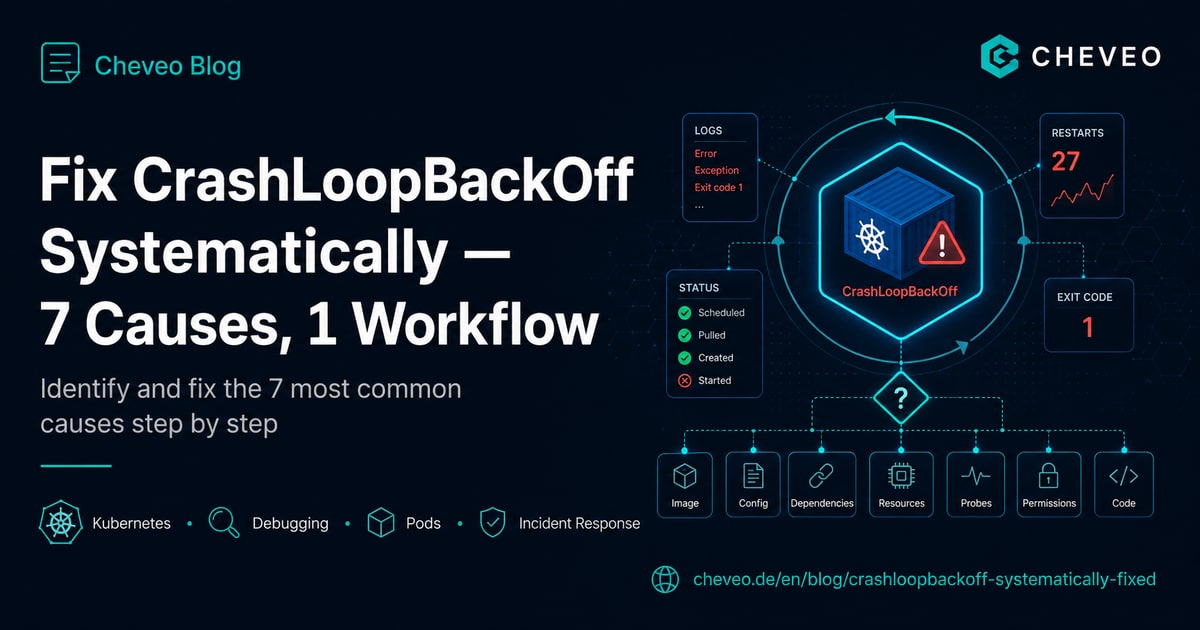
Fix CrashLoopBackOff Systematically: 7 Causes, 1 Workflow
The 7 most common causes of CrashLoopBackOff in Kubernetes - with kubectl commands, real outputs and a decision tree that finds each one in under 5 minutes.
9 min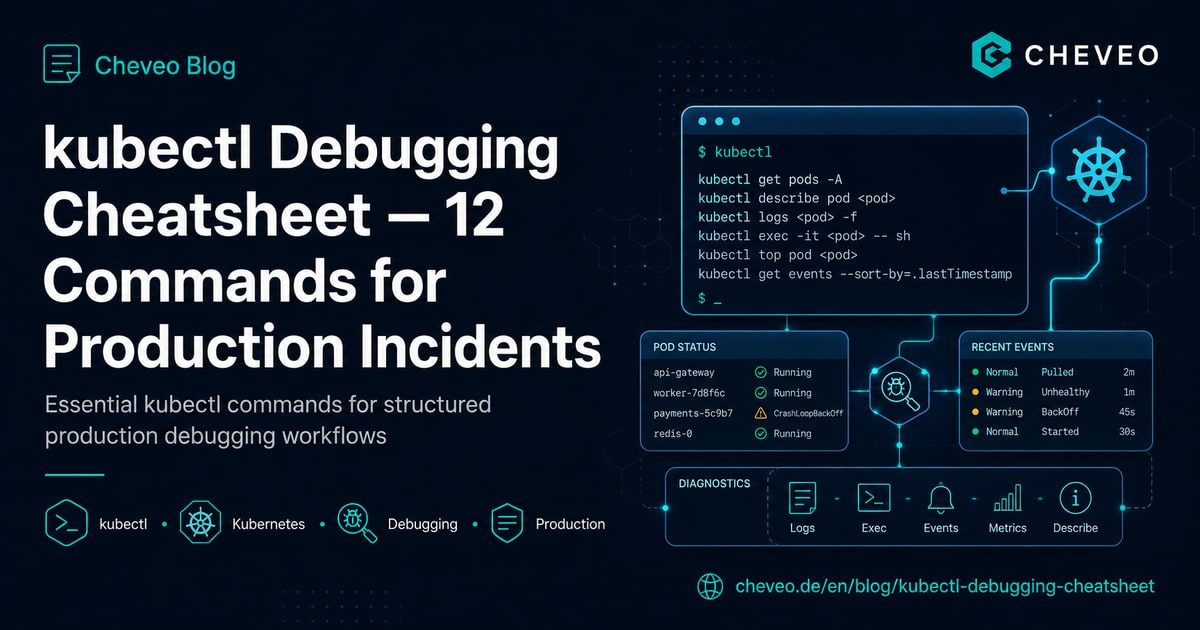
kubectl Debugging Cheatsheet: 12 Commands for Production Incidents
Structured debugging workflow for Kubernetes in production: 12 kubectl commands in the right order - from pod status to ephemeral debug containers.
8 minNeed a second opinion on your cluster?
Book a free 30-minute Kubernetes health check. We review your setup and give concrete recommendations, no sales pitch.
Book a slot